
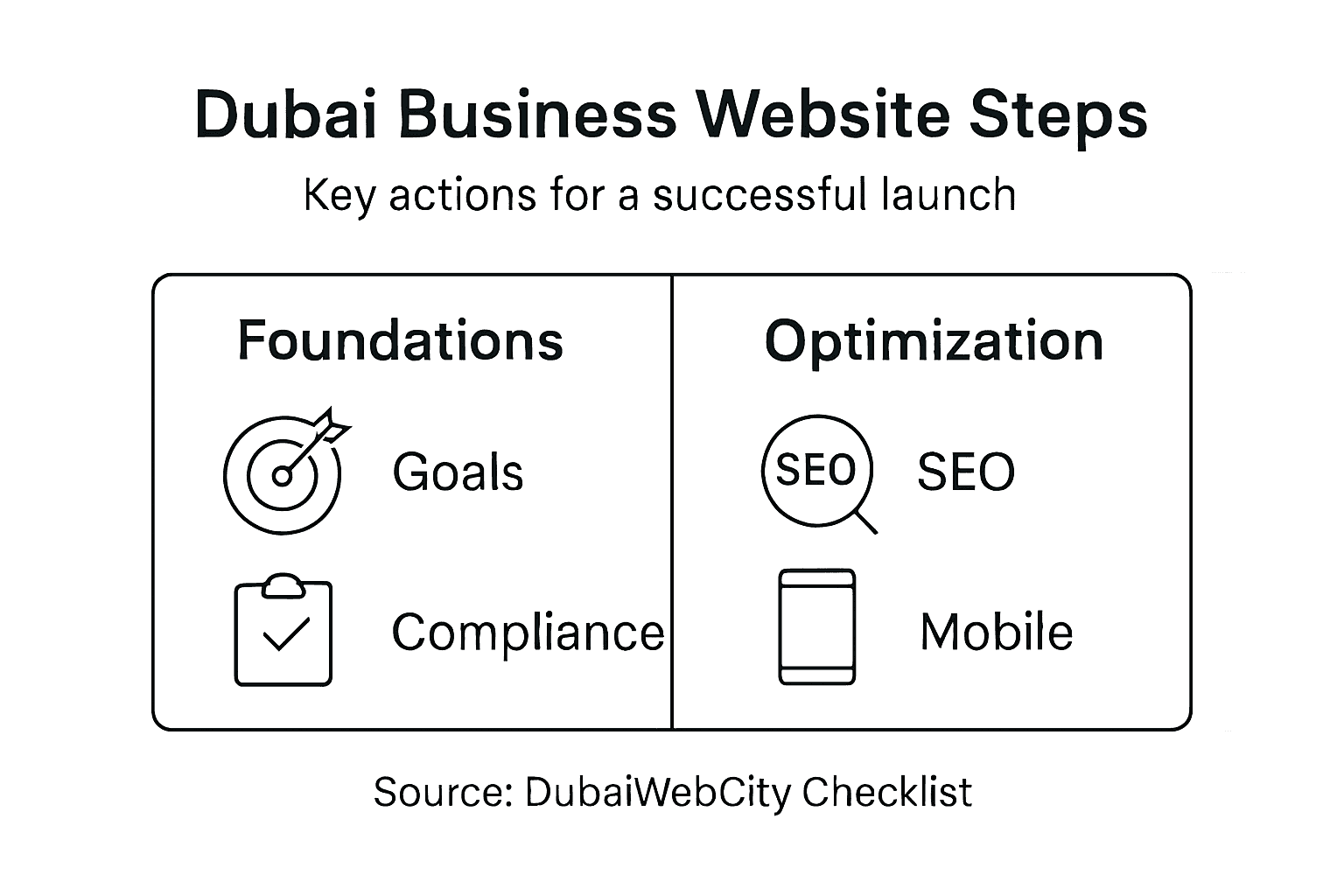
Launching a website for your Dubai healthcare practice or real estate agency is more than picking a template and adding pictures. You need a strategic plan that meets business goals and strict local compliance standards. Defining clear website goals and compliance needs from the start creates a solid foundation, protecting your clients and your brand before you go live. This guide walks you through each step to build a professional, legal, and results-driven online presence.
Table of Contents
- Step 1: Define Website Goals And Compliance Needs
- Step 2: Develop Customized Design And Content
- Step 3: Implement Technical Seo And Mobile Optimization
- Step 4: Test User Experience And Data Security
- Step 5: Publish Site And Monitor Performance
Quick Summary
| Main Insight | Explanation |
|---|---|
| 1. Define Clear Website Goals | Establish specific primary and secondary objectives to guide your website’s structure and functionality effectively. |
| 2. Ensure Compliance and Security | Identify and implement necessary data protection laws, SSL certifications, and accessibility standards to protect users and your business. |
| 3. Prioritize User-Friendly Design | Create a website layout and content that addresses the needs of your target audience to encourage engagement and conversion. |
| 4. Optimize for Mobile and SEO | Ensure your website is mobile-friendly and optimized for search engines to reach a wider audience and enhance visibility. |
| 5. Monitor Performance Post-Launch | Regularly check analytics, fix errors, and update content to maintain your website’s effectiveness and adapt to changing needs. |
Step 1: Define website goals and compliance needs
Before your website goes live, you need to answer one critical question: what do you want this website to actually do? Without clear goals, you’ll launch something that looks nice but doesn’t drive results for your healthcare practice or real estate business.
Start by identifying your primary business objectives. Are you trying to generate patient inquiries for your clinic? Showcase available properties to potential buyers? Build trust with new clients? Your website’s entire structure depends on this answer.
Typical website goals include:
- Lead generation (capturing contact information from interested prospects)
- Sales and transactions (enabling appointments or property viewings)
- Information sharing (explaining your services or available listings)
- Building credibility (establishing your expertise in your field)
- Customer engagement (keeping existing clients informed and connected)
Next, identify your specific compliance and security requirements. Successful website launches require SSL certification, privacy policies, and accessibility standards to protect both your business and your visitors.
In Dubai, healthcare websites must comply with local data protection regulations. Real estate sites need clear disclosures about properties and pricing. Both sectors must ensure visitor data stays secure and private.
Here’s a comparison of website compliance considerations for healthcare and real estate businesses in Dubai:
| Requirement | Healthcare Websites | Real Estate Websites |
|---|---|---|
| Data Protection Law | Must follow healthcare-specific regulations | Must disclose data handling practices |
| SSL Security | Required for patient privacy | Required for client confidentiality |
| Accessibility | Enhanced standards for all users | Standard compliance for all visitors |
| Disclosure Obligations | Indicate patient consent, privacy policy | Display property details, pricing policies |
| Sensitive Data Handling | Medical records, contact details | Buyer/seller information, transaction data |
Create a simple checklist for your launch:
- Define your primary goal (one main objective)
- List secondary goals (what else should the site accomplish?)
- Review Dubai data protection requirements for your industry
- Confirm you’ll have SSL security enabled before launch
- Plan where your privacy policy and terms will appear
- Check accessibility standards (readable fonts, clear navigation)
This groundwork saves you from launching a site that looks complete but fails to meet legal requirements or business objectives. You’re not just building something—you’re building something that works.
Clarify your website goals and compliance needs before design even begins. This foundation prevents costly changes after launch.
Pro tip: Document your goals and compliance requirements in a single shared document before talking to your web designer. This gives them clear direction and prevents misalignment later.
Step 2: Develop customized design and content
Your website’s design and content are what turn casual visitors into actual customers. This step transforms your goals from Step 1 into a real, working website that speaks directly to your audience.
Start by understanding exactly who you’re trying to reach. For healthcare practices, your patients want quick access to appointment booking and service information. For real estate agents, buyers need clear property details and high-quality images. Your design and content should solve these specific needs.
Key elements to develop:
- Homepage that clearly explains what you offer
- Service or property pages with detailed, organized information
- About section building trust in your expertise
- Contact page or call-to-action for leads
- Mobile-friendly layout that works on phones and tablets
Creating user-friendly interfaces requires understanding your audience and tailoring content to their needs. For healthcare sites, include clear descriptions of treatments, qualifications, and patient testimonials. Real estate websites should showcase properties with professional photography, floor plans, and neighborhood information.
Content matters more than fancy design. Write in plain language that your visitors actually understand. Avoid medical jargon or real estate terminology that confuses people. Your goal is clarity, not impressing other professionals.
Choose website elements that match your brand identity:
See how popular website elements impact user experience and business outcomes:
| Website Element | User Benefit | Business Impact |
|---|---|---|
| Clear Navigation | Faster access to services | Higher conversion rates |
| High-Quality Images | Increased trust and engagement | Improved property showcase |
| Mobile-Friendly Design | Easy use on all devices | Broader audience reach |
| Contact Forms | Simple communication process | More leads collected |
| Service Details | Transparent information | Enhanced credibility |
- Select a color scheme that feels professional and trustworthy
- Pick readable fonts (avoid tiny text or unusual typefaces)
- Organize navigation so visitors find what they need in 2-3 clicks
- Write headlines that answer visitor questions immediately
- Include high-quality images or videos that showcase your work
Design and content work together. Beautiful design with confusing navigation fails. Clear content with poor design also fails. You need both.
Pro tip: Have someone unfamiliar with your business test your website before launch. If they can’t find what they need in the first 30 seconds, redesign the navigation.
Step 3: Implement technical SEO and mobile optimization
Your beautiful website won’t help your business if potential patients and buyers can’t find it online. This step ensures search engines discover your site and that visitors have a smooth experience on any device.
Start with mobile optimization. Over 60 percent of web traffic now comes from mobile devices. If your website looks broken or loads slowly on phones, visitors leave immediately. Mobile responsiveness directly impacts search rankings and user experience across devices, making it essential before launch.

Test your website on different phones and tablets. Pages should be readable without zooming. Buttons should be large enough to tap easily. Images should load quickly even on slower connections.
Mobile optimization checklist:
- Ensure text is readable without horizontal scrolling
- Make buttons and links large enough to tap comfortably
- Test page load speed on mobile connections
- Optimize images so they load faster on slower networks
- Verify forms work smoothly on small screens
Next, focus on technical SEO fundamentals. Site audits and optimization of metadata, URLs, and page load speeds increase visibility in search results. This means search engines can actually crawl and understand your content.
Add proper titles and descriptions to every page. These appear in search results and tell Google what your page is about. For a dental clinic, write clear titles like “Dental Implants in Dubai” instead of “Home” or “Services.”
Implement these technical improvements:
- Create a sitemap so search engines find all your pages
- Set up Google Search Console to monitor performance
- Optimize page titles and meta descriptions for each page
- Ensure your website uses HTTPS security (you set this up in Step 1)
- Improve page load speed by compressing images and using caching
Fast, mobile-friendly websites rank higher in search results and keep visitors engaged longer.
Pro tip: Use Google PageSpeed Insights (free tool) to identify exactly what’s slowing down your website. It provides specific recommendations you can give to your developer.
Step 4: Test user experience and data security
Before your website goes live, you need to catch problems while you can still fix them. This step involves testing how real people interact with your site and ensuring their data stays protected.
Start with user experience testing. Invite 5-10 people unfamiliar with your business to use your website. Watch where they struggle. Do they find the appointment booking button? Can they locate your service descriptions? Real users reveal problems you never see when designing.
Test on multiple devices and browsers. Your site might look perfect in Chrome on a desktop but break in Safari on an iPad. Check Windows, Mac, iPhone, and Android devices. Different screen sizes expose navigation problems and layout issues.
User experience testing checklist:
- Test on phones, tablets, and desktops
- Verify all links work correctly
- Check that forms submit successfully
- Ensure images load properly
- Test contact forms with real submissions
- Verify page loading times feel acceptable
Now address data security, which matters especially for healthcare and real estate sites handling sensitive information. Implementing HTTPS, Content Security Policy headers, and secure cookie protocols protects user data from common threats. Your web hosting provider should enable these automatically, but confirm they’re active.
Web security testing should include vulnerability scanning and penetration testing to identify potential security gaps. For healthcare sites, patient data privacy is legally required. Real estate sites must protect buyer and seller information.
Conduct these security checks:
- Verify HTTPS is enabled (look for the padlock icon)
- Test that your privacy policy is accessible and accurate
- Confirm forms don’t save passwords in browser memory
- Check that sensitive data isn’t visible in page source code
- Test password reset functionality works securely
Security problems discovered before launch are cheap to fix. Security breaches after launch damage your reputation and expose you to legal liability.
Pro tip: Ask your web developer for a security audit report before launch. Request they verify HTTPS is working, security headers are set correctly, and no known vulnerabilities exist in your website code.
Step 5: Publish site and monitor performance
Your website is ready. Now comes the moment of truth: going live and making sure everything continues to work smoothly after launch. This step involves pushing your site to the internet and then watching it closely for problems.
Your web hosting provider handles the technical publishing. They’ll give you access to upload your website files. Most modern hosting platforms make this simple through a control panel or file manager. Your domain name automatically points visitors to your live website once DNS settings are configured.
Before hitting the publish button, do one final check. Verify all links work. Test forms one more time. Confirm your contact information is correct. Small mistakes become obvious once the site goes live, so catch what you can beforehand.
Pre-launch verification steps:
- Test every form submission
- Click all internal and external links
- Verify images load correctly
- Check that your phone number is clickable on mobile
- Confirm your hours of operation are accurate
After publishing, tracking site analytics, uptime, and page performance ensures your website stays available and optimized for users. Set up Google Analytics to see how many visitors you’re getting and which pages they’re viewing.
Post-launch monitoring includes analytics verification, sitemap submission, error checking, and backup maintenance to maintain website success. Submit your sitemap to Google Search Console so search engines index your pages faster. Check weekly for broken links or error messages.
Create a monitoring schedule for your first month:
- Daily: Check that the website loads without errors
- Daily: Monitor contact form submissions arrive in your inbox
- Weekly: Review Google Analytics for visitor patterns
- Weekly: Check Google Search Console for indexing issues
- Monthly: Review which pages get the most traffic
Your website launch isn’t the finish line. It’s the beginning. Websites that improve over time with fresh content and regular monitoring significantly outperform sites left alone.
Pro tip: Set up Google Search Console alerts so you’re notified immediately if Google finds errors or security issues with your website. This gives you early warning to fix problems before they hurt your rankings.
Launch Your Dubai Business Website with Confidence and Compliance
Launching a website that truly works takes more than just good looks. As highlighted in the article “Business Website Launch Steps for Success in Dubai,” defining clear goals, ensuring compliance with UAE data protection laws, and delivering a seamless user experience are critical for turning visitors into loyal customers. Whether you are in healthcare or real estate, overcoming challenges like mobile optimization, technical SEO, and robust data security can feel overwhelming without expert support.
DubaiWebCity understands these challenges and specializes in crafting custom websites that do more than just launch—they perform. With over 20 years of experience building responsive, industry-specific websites compliant with local regulations, we help businesses like yours:
- Define and achieve clear business objectives
- Incorporate compliance requirements seamlessly
- Optimize sites for mobile, speed, and search engines
- Ensure rock-solid data security and privacy

Ready to build a website that meets Dubai’s unique business demands and opens the door to growth? Visit DubaiWebCity to explore our expert web design and SEO services designed just for local businesses. Don’t waste time or risk costly post-launch fixes. Contact us today and launch your site successfully with compliance and confidence.
Frequently Asked Questions
What are the main website goals I should define before launching my business site in Dubai?
The primary website goals may include lead generation, information sharing, and building credibility. Start by identifying one main objective, such as capturing contact information from clients, and list secondary goals that align with your business strategy.
How can I ensure my website complies with local regulations before launch?
You can ensure compliance by reviewing data protection laws specific to your industry in Dubai, such as healthcare or real estate requirements. Create a checklist that includes confirming SSL security, privacy policies, and accessibility standards to avoid legal issues.
What elements should I focus on for a custom website design that meets my business needs?
Focus on a clear homepage, detailed service or property pages, and an engaging contact page that encourages interaction. Also, organize your navigation so that users can find the information they need within two to three clicks, enhancing their overall experience.
How do I optimize my website for mobile devices before going live?
Optimize your website by ensuring text is readable and buttons are easy to tap on mobile screens. Test your site on various devices to guarantee a smooth user experience across all platforms, aiming for a load time under three seconds to keep visitors engaged.
What steps should I take to test my website’s user experience before launch?
Invite 5-10 people unfamiliar with your business to navigate your website and observe their experience. Identify any obstacles they face and make necessary adjustments, ensuring all links work correctly and forms submit successfully.
What should I monitor after launching my business website to ensure ongoing success?
After launch, monitor key performance indicators daily, such as website loading times and form submissions. Check Google Analytics weekly for visitor patterns and review for any errors or issues regularly to make sure your website remains operational and optimized.
Recommended
- Building E-Commerce Sites in Dubai for Business Success
- Driving Digital Success: Expert Web Design, Web Development, and Digital Marketing Services in Dubai – Web Design Dubai – Website Design Company Dubai | NetSoft
- Website Design Dubai Price – Web Design Dubai – Website Design Company Dubai | NetSoft
- Top Web Designing Companies in Dubai: Elevate Your Online Presence – Web Design Dubai – Website Design Company Dubai | NetSoft
- Workflow création entreprise coach vocal étape par étape