Your UAE business website looks great on desktop. Then a customer opens it on their phone and taps away frustrated by tiny text, broken menus, and endless scrolling. You just lost a sale. Many UAE SME websites fail on mobile, costing conversions daily. Responsive design fixes this by adapting your site fluidly across all devices. This guide walks you through a proven workflow that boosts engagement by up to 35% and turns mobile visitors into paying customers.
Table of Contents
- Understanding Responsive Design and Its Importance for UAE Businesses
- Prerequisites: Tools, Skills, and Planning to Start Responsive Design
- Step by Step Responsive Design Workflow
- Common Mistakes and Troubleshooting Tips
- Expected Outcomes and Measuring Success
- Alternative Approaches and Tradeoffs
- Enhance Your UAE Business with Expert Responsive Web Design
- Frequently Asked Questions
Key Takeaways
| Point | Details |
|---|---|
| Responsive design prioritizes mobile users | Engagement can increase by up to 35% when mobile experiences are optimized. |
| Planning with key tools ensures smooth execution | Code editors, browser dev tools, and defined layout intentions prevent costly rework. |
| Fluid grids and container queries create adaptable layouts | CSS Grid, Flexbox, and container queries handle diverse screen sizes efficiently. |
| Avoid common mistakes to reduce bounce rates | Ignoring accessibility and using fixed widths can spike bounce rates by 25%. |
| Measure KPIs to validate success | Track load times, conversion rates, and Core Web Vitals post launch. |
Understanding Responsive Design and Its Importance for UAE Businesses
Responsive design means your website automatically adjusts layout, images, and navigation to fit any screen, from phones to tablets to desktops. Core principles include fluid grids that scale proportionally, media queries that apply device specific CSS, and adaptive content that reorganizes based on viewport width. Google now uses mobile first indexing, meaning your mobile site version determines search rankings. If your site breaks on phones, you sink in results.
Benefits stack quickly. User experience improves because visitors can read text, tap buttons, and navigate menus without zooming or horizontal scrolling. Accessibility compliance becomes simpler when touch targets meet WCAG 2.2 size standards. Engagement rises as visitors stay longer and explore more pages. For UAE SMEs competing in crowded digital markets, these advantages translate directly into more leads and sales. Mobile traffic dominates 58%+ of global web visits, so ignoring mobile users means abandoning over half your potential customers.
Key responsive design elements include:
- Fluid grids using percentage based widths instead of fixed pixels
- Flexible images with max width 100% to prevent overflow
- Media queries targeting common breakpoints like 768px for tablets and 1024px for desktops
- Touch friendly buttons sized at least 44x44px for easy tapping
- Readable font sizes scaling from 16px base on mobile
UAE businesses face unique challenges. Mobile usage in the region runs even higher than global averages, driven by widespread smartphone adoption and fast 5G networks. Competition intensifies as every brand races online. A responsive website design in Dubai built with modern standards gives you an edge, keeping pace with evolving responsive design best practices that define 2026 excellence.
Prerequisites: Tools, Skills, and Planning to Start Responsive Design
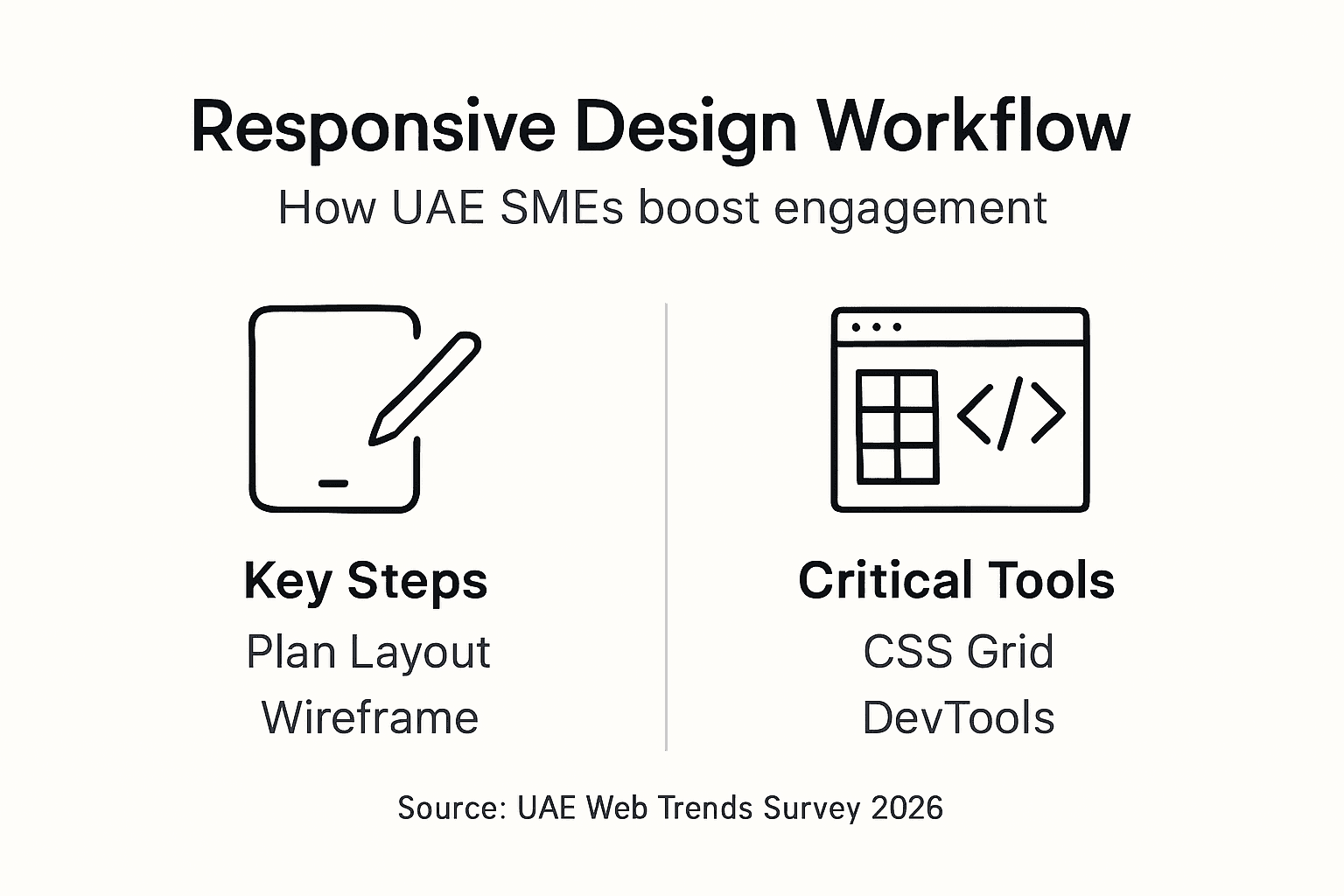
Before writing a single line of code, gather the right tools and map your plan. You need basic HTML and CSS knowledge, familiarity with mobile first media queries, and access to a code editor like VS Code or Sublime Text. Browser developer tools in Chrome, Firefox, or Edge let you simulate devices instantly. Automated testing platforms such as BrowserStack or LambdaTest run your site across hundreds of real device and browser combinations. Manual testing on physical phones and tablets catches what automation misses.
Detailed planning of page sections and layout intentions is critical before coding. Sketch or wireframe your header, navigation, hero section, content cards, and footer. Decide how each behaves at mobile, tablet, and desktop widths. Will your navigation collapse into a hamburger menu? Should your three column card grid stack vertically on phones? Answering these questions upfront prevents costly backtracking mid project.
Essential skills include understanding CSS Grid for two dimensional layouts, Flexbox for one dimensional rows or columns, and how to write media queries that activate at specific viewport widths. You also need knowledge of responsive image techniques using srcset and sizes attributes. Familiarity with UX design principles helps you prioritize content hierarchy and interaction patterns that work across devices.

| Tool/Skill Category | Examples | Purpose |
|---|---|---|
| Code Editors | VS Code, Sublime Text, Atom | Write and organize HTML, CSS, JavaScript efficiently |
| Browser DevTools | Chrome DevTools, Firefox DevTools | Simulate devices, inspect elements, debug layout issues |
| Testing Platforms | BrowserStack, LambdaTest, real devices | Verify cross device and cross browser compatibility |
| Core Skills | HTML/CSS, media queries, Grid, Flexbox | Build and style responsive layouts that adapt fluidly |
| Planning Checklist | Wireframes, breakpoint decisions, content priorities | Define layout intentions per device before coding |
Partnering with professional UI UX design services or leveraging graphic design support can accelerate this phase if internal resources are limited. A solid plan now pays dividends throughout the workflow, ensuring you follow a proven responsive design planning guide tailored to your business goals.
Step by Step Responsive Design Workflow
Executing responsive design systematically transforms abstract concepts into working websites. Follow these seven steps to deliver a polished, adaptive site.
-
Define content structure and layout intentions per device. List all page sections like header, hero, features, testimonials, footer. For each, decide the layout at mobile, tablet, and desktop. Will features display one column on mobile, two on tablet, three on desktop? Document these decisions.
-
Apply mobile first CSS media queries targeting common breakpoints. Start with base mobile styles, then layer on tablet styles at 768px and desktop styles at 1024px. This ensures lightweight mobile code without overriding heavy desktop rules. Starting with a mobile first approach and using CSS Grid and Flexbox fluid grids ensures scalable and performant layouts.
-
Implement fluid grid layouts using CSS Grid and Flexbox. Replace fixed pixel widths with percentage based or fr unit grids that stretch and shrink. For example, a three column desktop grid becomes one column on mobile without JavaScript hacks.
-
Optimize images with responsive srcset and sizes attributes. Serve smaller images to mobile devices and larger ones to desktops. Use modern formats like WebP or AVIF for faster loading. Using SRCSET and sizes for image optimization can reduce mobile load time by up to 30%.
-
Use container queries for modular components. Container queries let components respond to their container width, not the viewport. A sidebar card adapts whether placed in a narrow sidebar or wide main content area, improving modularity.
-
Perform iterative multi device testing with manual and automated tools. Check your site on actual phones, tablets, and desktops. Use BrowserStack to test older devices and obscure browsers. Fix layout breaks and interaction bugs immediately.
-
Refine performance and accessibility post launch. Run Lighthouse audits to measure Core Web Vitals. Validate keyboard navigation and screen reader compatibility. Compress assets and enable caching to boost speed.
Pro Tip: Use browser DevTools device emulation to test responsiveness quickly during development, but always validate on real hardware before launch to catch touch and performance issues.
Integrating this workflow into your modern web design process ensures consistency. Following established UI UX best practices keeps your design user centered. If you receive designs in Photoshop, services that convert PSD to responsive HTML can accelerate implementation. For budget conscious SMEs, affordable web design services offer end to end responsive workflows without breaking the bank. Reference a detailed mobile first CSS workflow and explore advanced CSS Grid and image optimization techniques to deepen your expertise.
Common Mistakes and Troubleshooting Tips
Even experienced developers stumble into responsive design traps. Recognizing these pitfalls saves time and preserves user trust.
Skipping mobile first leads to bloated desktop centric code. You end up writing complex overrides to squeeze desktop layouts into phones, creating slow, buggy mobile experiences. Always start with mobile styles and progressively enhance for larger screens.
Ignoring touch targets and keyboard accessibility frustrates users and decreases engagement. Buttons smaller than 44x44px cause misclicks. Lack of keyboard focus states locks out assistive technology users. Ignoring touch targets and accessibility can increase bounce rates by up to 25%.
Using fixed width containers causes horizontal scrolling and layout breakage on small screens. A 1200px fixed container overflows on a 375px phone, forcing users to scroll sideways. Use max width with percentage based widths instead.
Insufficient multi device testing results in hidden regressions and bugs. Your site might look perfect in Chrome DevTools mobile emulation but break on an actual iPhone or Samsung Galaxy. Test on real devices and multiple browsers.
Fixes include:
- Adhere to WCAG 2.2 guidelines for touch targets, contrast ratios, and keyboard navigation
- Employ fluid grids with max width containers instead of fixed pixel widths
- Conduct comprehensive testing across devices, browsers, and network speeds
- Use semantic HTML to improve accessibility and SEO simultaneously
Pro Tip: Regularly validate your site with accessibility tools like Axe or Lighthouse to catch and fix issues before they hurt engagement.
Avoiding these UX design mistakes and learning from common responsive design pitfalls positions your project for smooth delivery and happy users.
Expected Outcomes and Measuring Success
A well executed responsive design workflow delivers measurable improvements. Typical increases include 30 to 35% mobile user engagement within three months, as visitors spend more time and explore more pages. Mobile conversion rates often jump 15 to 20% because checkout flows, forms, and calls to action work seamlessly on phones.
Performance improvements show up in Core Web Vitals scores. Largest Contentful Paint should stay under 2.5 seconds, Cumulative Layout Shift below 0.1, and First Input Delay under 100 milliseconds. These metrics directly influence search rankings and user satisfaction.
Accessibility compliance by WCAG 2.2 standards verified with tools like Axe, WAVE, or Lighthouse ensures your site serves all users, including those with disabilities. This broadens your audience and reduces legal risks.
SEO benefits emerge from responsive design consolidation. Responsive design consolidation into one URL boosts SEO by concentrating domain authority and avoiding duplicate content penalties. Instead of maintaining separate mobile and desktop URLs, one responsive site earns all backlinks and shares authority across devices.
Consolidating mobile and desktop versions into a single responsive URL concentrates SEO authority, eliminating duplicate content issues and simplifying site management while improving search rankings.
| KPI | Baseline (Before) | Target (After 3 Months) | Measurement Tool |
|---|---|---|---|
| Mobile Engagement Rate | 40% | 54% to 58% | Google Analytics, session duration |
| Mobile Conversion Rate | 2.5% | 2.9% to 3.0% | E-commerce platform analytics |
| Largest Contentful Paint | 4.2s | Under 2.5s | Lighthouse, PageSpeed Insights |
| Cumulative Layout Shift | 0.25 | Under 0.1 | Lighthouse, Chrome DevTools |
| Accessibility Score | 72 | 90+ | Axe, WAVE, Lighthouse accessibility audit |
Tracking these metrics validates your investment and highlights areas for ongoing refinement. Leveraging SEO improvements from responsive design amplifies organic traffic growth. Deep dive into SEO and performance metrics to benchmark your progress against industry standards.
Alternative Approaches and Tradeoffs
Not every project fits the same workflow. Understanding alternatives helps you choose the best path for your situation.
Fixed breakpoint workflows rely on predefined media queries at standard widths like 768px, 1024px, and 1440px. They are simpler to implement and easier for beginners. However, they lack flexibility. Adding a new component or changing layout requires manually updating multiple breakpoints.
Container query based workflows offer superior modularity. Components respond to their container size, not the viewport. A card component adapts whether placed in a narrow sidebar or wide main area without viewport specific media queries. Fixed breakpoint design is simpler but less flexible; container query approaches improve modularity and maintainability. Container queries require newer browser support, so check compatibility before committing.
No code and low code tools like Webflow, Wix, or WordPress page builders enable faster prototyping without deep coding knowledge. You drag and drop elements, and the tool generates responsive code. Tradeoff: less customization and potential performance overhead from bloated generated code.
Rapid deployment versus thorough testing presents another tradeoff. Rushing to launch saves time upfront but risks bugs, accessibility issues, and poor user experience. Investing in comprehensive testing costs more initially but prevents costly post launch fixes and reputation damage.
Small budget UAE SMEs benefit from partnering with professional agencies that deliver proven responsive design workflows without requiring internal technical staff. Medium sized businesses with custom needs adopt container queries for advanced modularity. Enterprises with complex requirements often combine multiple approaches.
| Workflow Type | Pros | Cons | Ideal Use Case |
|---|---|---|---|
| Fixed Breakpoints | Simple, widely supported, easy to learn | Less flexible, harder to maintain at scale | Small projects, limited budgets, standard layouts |
| Container Queries | Highly modular, component level responsiveness | Newer browser support, steeper learning curve | Complex sites, reusable component libraries |
| No Code Tools | Fast prototyping, no coding required | Limited customization, potential bloat | Quick MVPs, non technical teams, simple sites |
| Professional Agency | Expert execution, proven results, full support | Higher upfront cost | UAE SMEs lacking internal developers, quality focused brands |
Explore alternative responsive workflows to identify the approach that balances your budget, timeline, technical capacity, and quality expectations.
Enhance Your UAE Business with Expert Responsive Web Design
You now understand the responsive design workflow and its impact. Implementing it alone demands time, skills, and tools you might not have. Partnering with a Dubai based agency specializing in responsive website design services fast tracks your success. Professional teams handle every step, from planning through launch and beyond.
Services include custom responsive design tailored to UAE market needs, CMS website development for easy content management, and integrated SEO services in Dubai to maximize your online visibility. You get compliance with local regulations, ongoing support, and measurable results. Focus on running your business while experts build a website that converts visitors into customers across every device.
Frequently Asked Questions
What is a responsive design workflow and why is it important for my UAE business?
A responsive design workflow is a structured process for creating websites that adapt seamlessly to any device, from smartphones to tablets to desktops. It involves planning layout intentions, applying mobile first CSS, using fluid grids, optimizing images, and testing across devices. For UAE businesses, this matters because mobile traffic exceeds 58% of web visits regionally. Ignoring mobile users means losing over half your potential customers to competitors with better mobile experiences. Responsive design also boosts SEO through mobile first indexing, concentrating domain authority on one URL instead of splitting it across separate mobile and desktop sites. The workflow ensures consistent user experiences that drive engagement, conversions, and long term growth.
How can I test my website to ensure it is fully responsive across all devices?
Use browser developer tools in Chrome, Firefox, or Edge to simulate various device viewports during development. Automated testing platforms like BrowserStack or LambdaTest run your site on hundreds of real device and browser combinations, catching compatibility issues quickly. Always validate on physical phones, tablets, and desktops before launch, testing touch interactions, scroll behavior, and form submissions. Tools like Lighthouse audit performance and accessibility, while manual checks reveal real world usability problems automation misses. Combining automated and manual responsive website testing methods provides comprehensive coverage and confidence.
What common mistakes should I avoid when creating a responsive design?
Avoid skipping mobile first principles, which leads to bloated code and slow mobile performance as you override desktop styles. Don’t ignore accessibility by using small touch targets or missing keyboard focus states, as this frustrates users and can spike bounce rates by 25%. Never use fixed width containers that cause horizontal scrolling on small screens. Insufficient multi device testing leaves hidden bugs that hurt user experience. Fix these by adhering to WCAG 2.2 guidelines, employing fluid grids, and conducting thorough cross device testing. Learning from common responsive design mistakes prevents costly rework and protects your brand reputation.
Are there affordable options for UAE SMEs without in house developers to get responsive websites?
Yes, professional web design agencies offer budget friendly packages specifically for UAE SMEs lacking technical staff. These services include full responsive design, development, testing, and launch support, removing technical burdens from your team. Managed services provide ongoing maintenance, updates, and troubleshooting so you focus on core business operations while experts handle your digital presence. Partnering with affordable responsive web design providers delivers quality results without requiring internal developers or large upfront investments, making professional responsive websites accessible to businesses of all sizes.
Recommended
- Responsive Website Design in Dubai – Web Design Dubai – Website Design Company Dubai | NetSoft
- 6 Essential UI UX Best Practices for Dubai Web Designers
- UX Design in Dubai – Web Design Dubai – Website Design Company Dubai | NetSoft
- Driving Digital Success: Expert Web Design, Web Development, and Digital Marketing Services in Dubai – Web Design Dubai – Website Design Company Dubai | NetSoft